
Player guides and how-tos
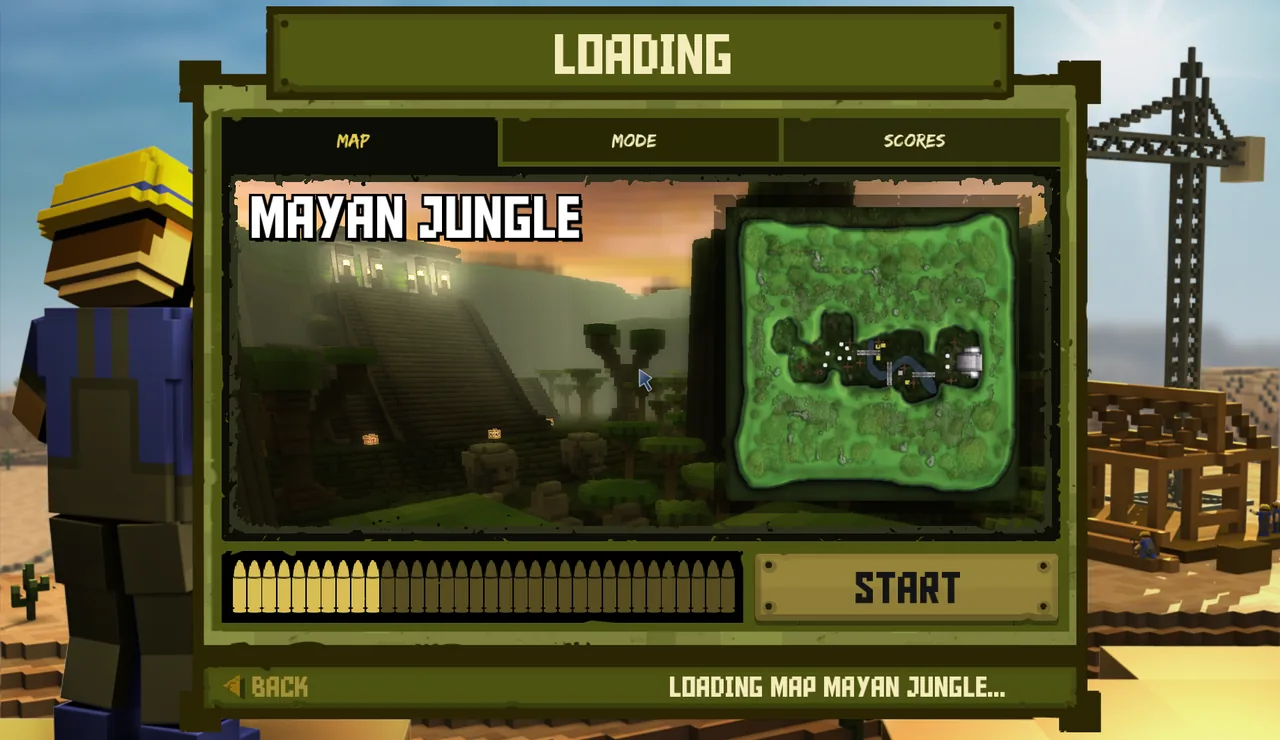
Everything you need to get from download to your first match, then play with friends and build your collection. Written from the BattleSpades client itself, with real in-game screenshots.
I want to…
Player guides
Install BattleSpades, sign in, learn the controls, find a match, play with friends and manage your inventory.
 Start here
Getting started
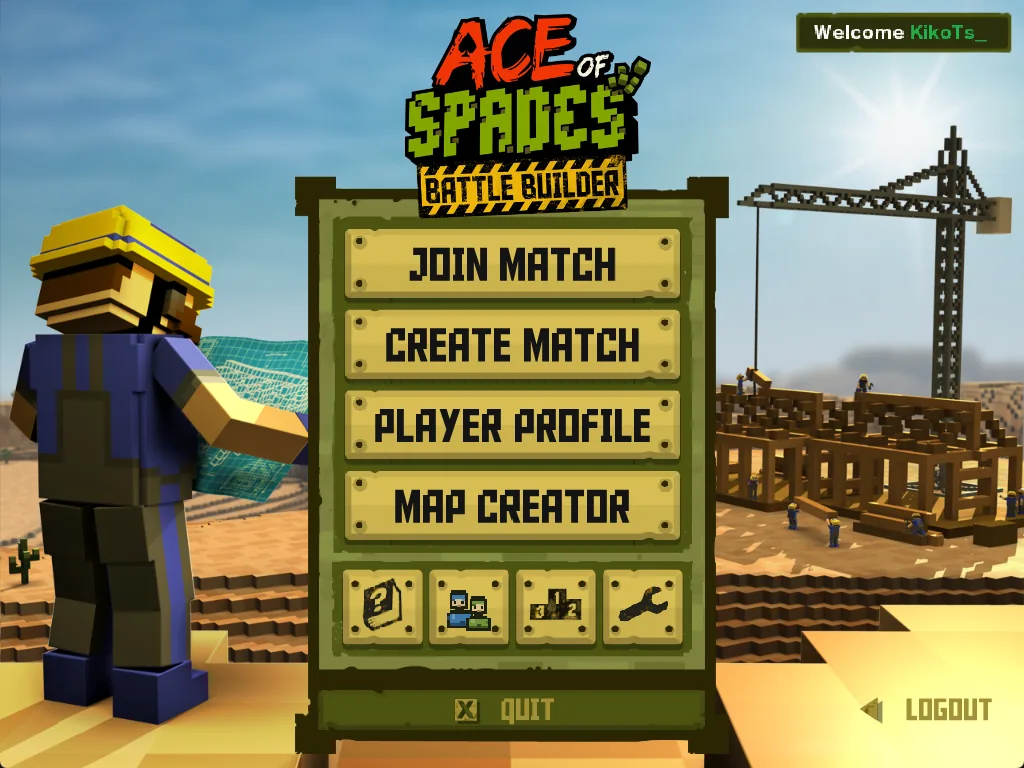
Download and install the BattleSpades client, import your Ace of Spades files, sign in with AoSPlay, Steam or as a guest, and get into your first match.
Read guide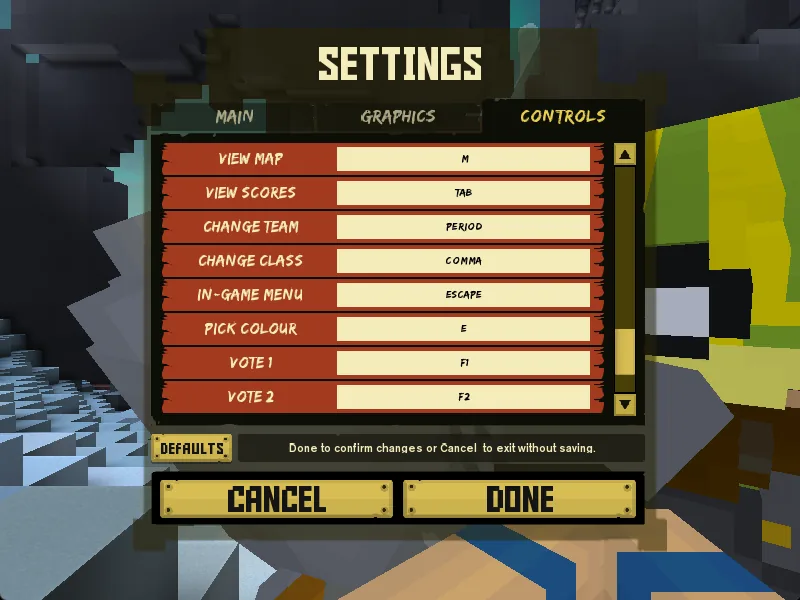 Basics
Controls and settings
Every default key in BattleSpades (the original Ace of Spades layout), how to rebind keys, and which graphics settings to pick, including the RETAIL shader look.
Read guide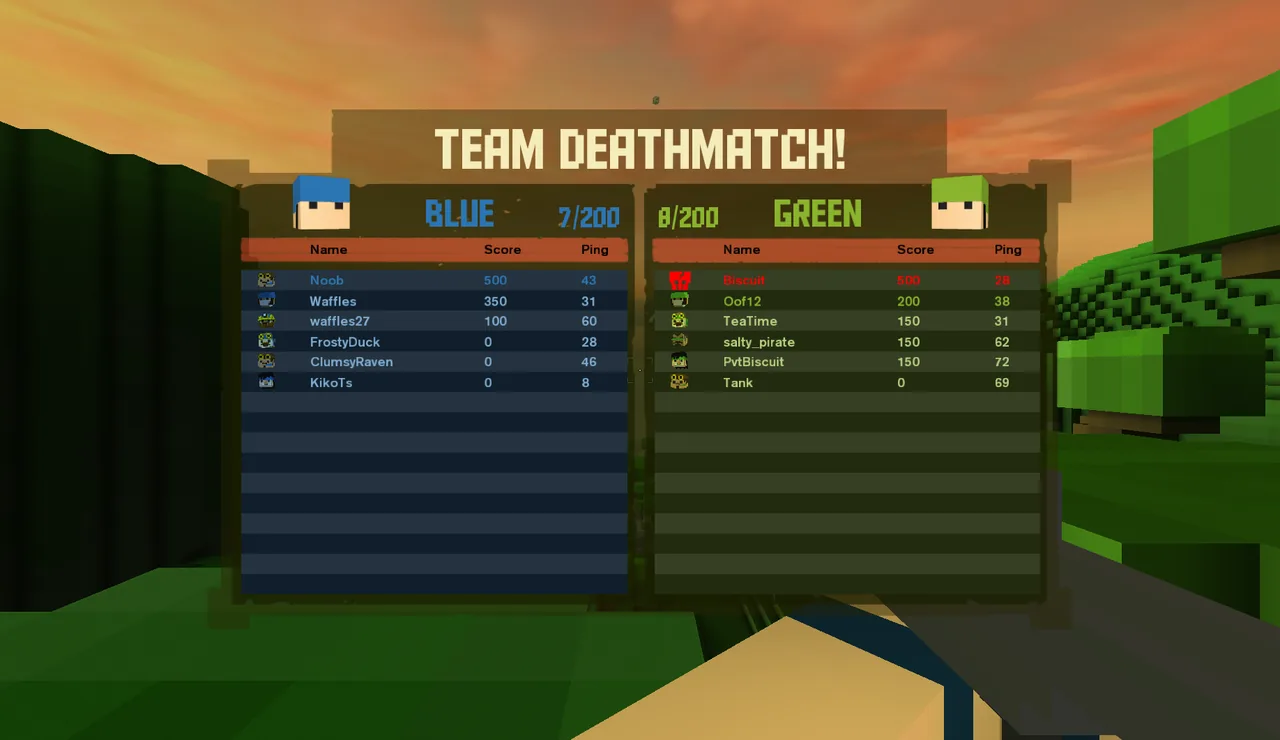 Play
PlayJoining a match
Use the Server Browser, Direct Connect and Quick Play, host your own match from the Match Lobby, and learn all ten Ace of Spades game modes and the classes.
Read guide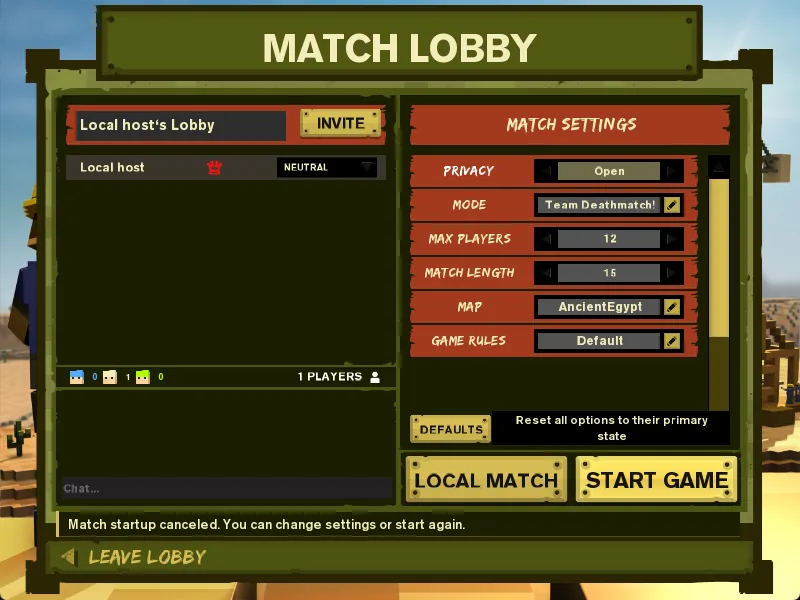 Social
Friends and invites
Add friends, see who's online, send invites (even to offline friends), join a friend's lobby with LEAVE + JOIN, and play together in a Match Lobby.
Read guide Social
Steam features
Sign in through Steam, let Steam friends join you from their friends list, send invites through the Steam overlay, and fix the "restart Steam" problem.
Read guideCollectionInventory and crates
How account XP and levels work, how to open your free Supply Crates, the drop odds and guarantees, and how to equip weapon, character and world skins.
Read guide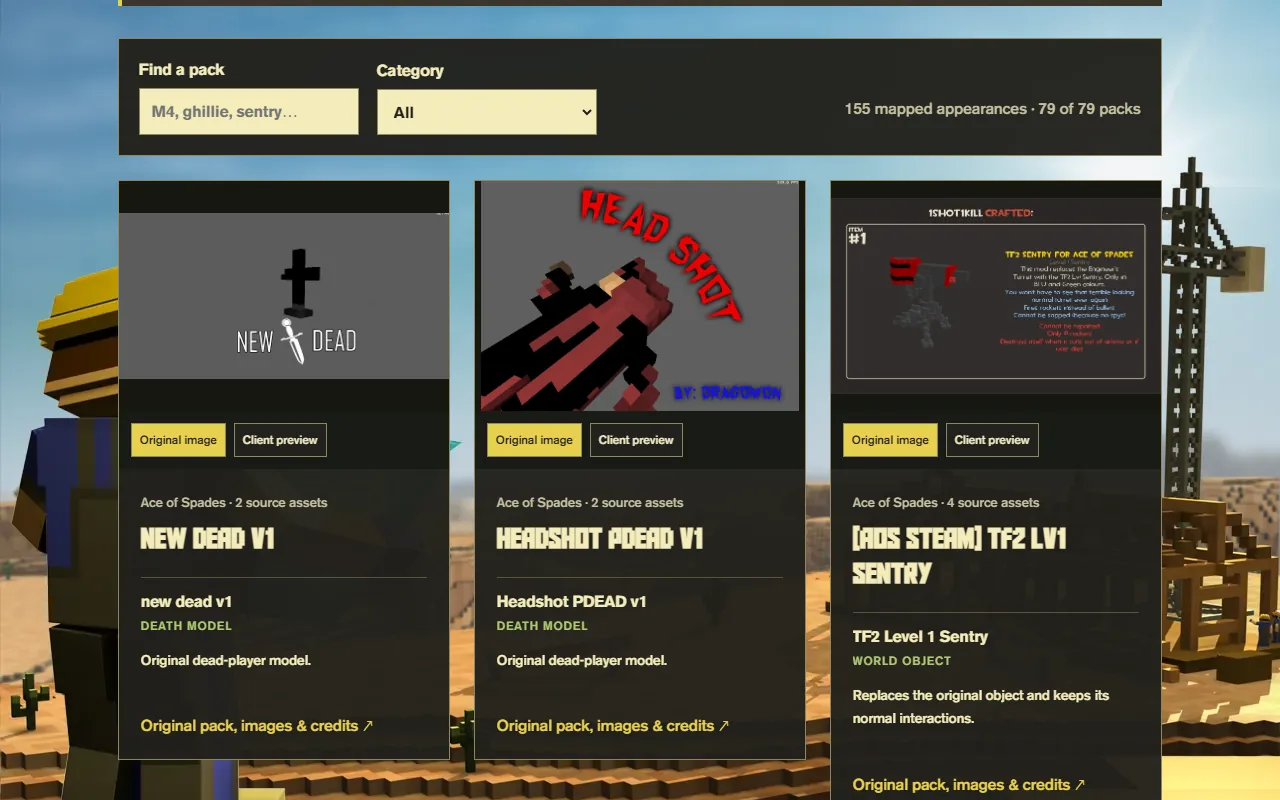 Collection
Community skins
Browse the credited Community Collection, see community-made skins in the gallery, and learn how the browser Skin Studio lets you make and submit your own.
Read guide Help
HelpTroubleshooting and FAQ
Fix common BattleSpades problems: "Connection problems / Disconnect in" countdowns, servers not showing, firewall prompts, Steam not detected, and where to find logs for bug reports.
Read guide