Community skins, the collection and the Skin Studio
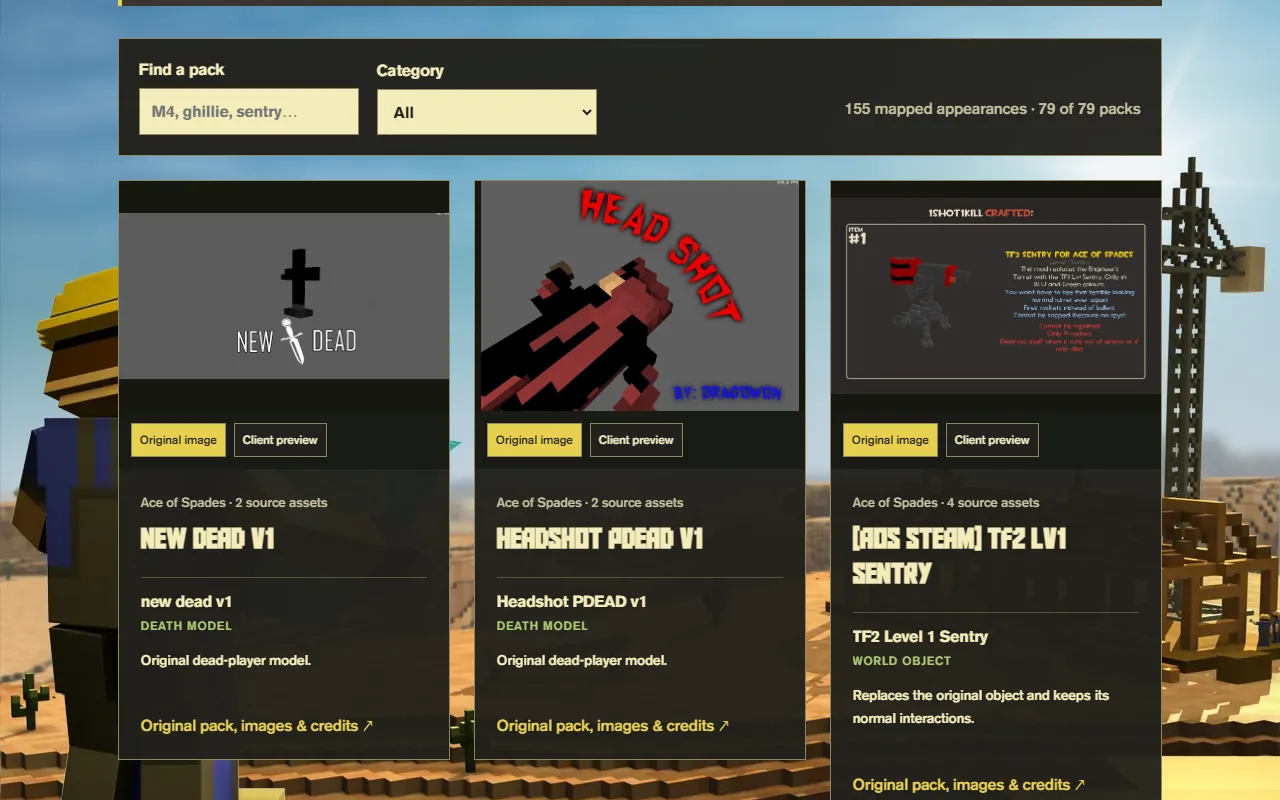
The looks in your crates were made by the community: weapon and character packs from years of Ace of Spades and OpenSpades modding, credited to their original creators. You can browse them all, and make your own.
Browse the Community Collection
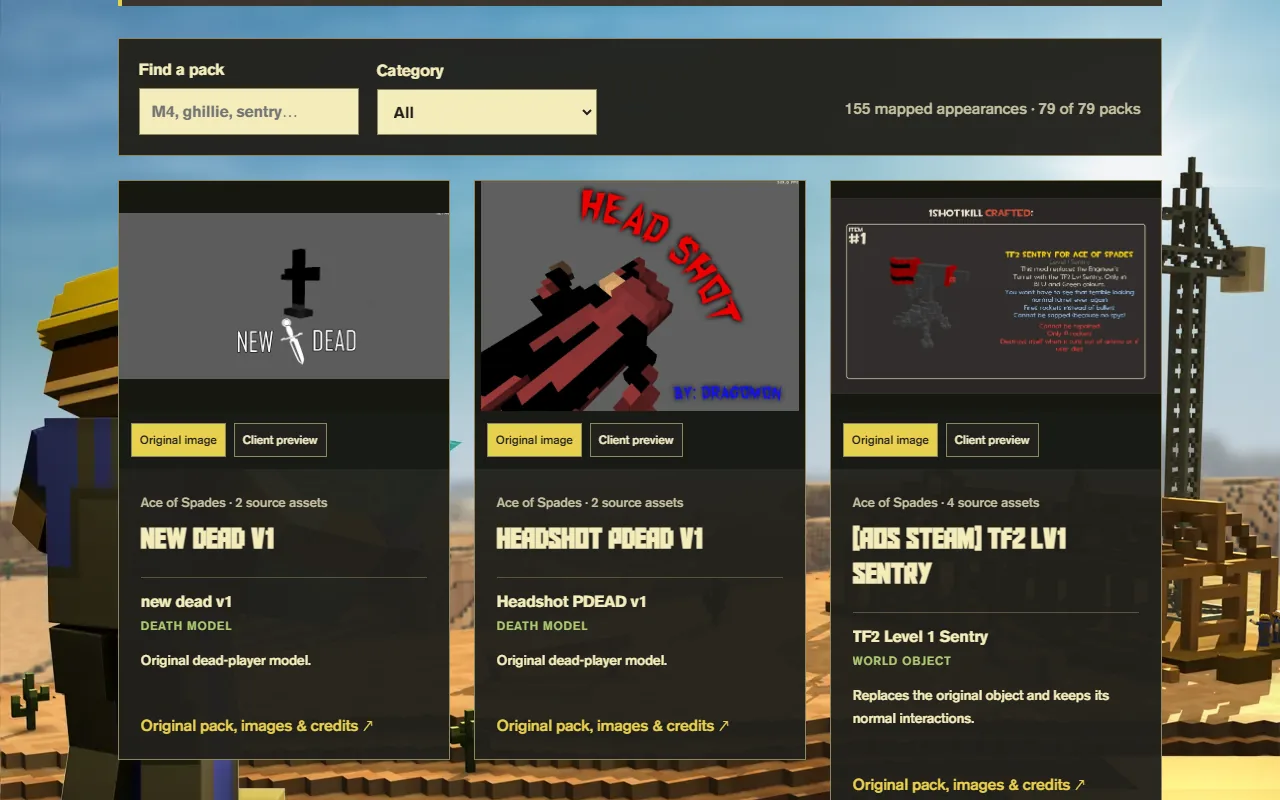
- The Community Collection shows every pack in the crates with its original images, author, licence and source link.
- It currently holds around 160 looks: roughly 90 weapons, 58 characters and a set of tombstones and world objects.
- You get these items in the game from Supply Crates.
Community-made skins
The community gallery shows skins players made in the Skin Studio that passed review, with a 3D preview, licence and a KV6 download. Each creator has a page listing their work.
Make your own skin
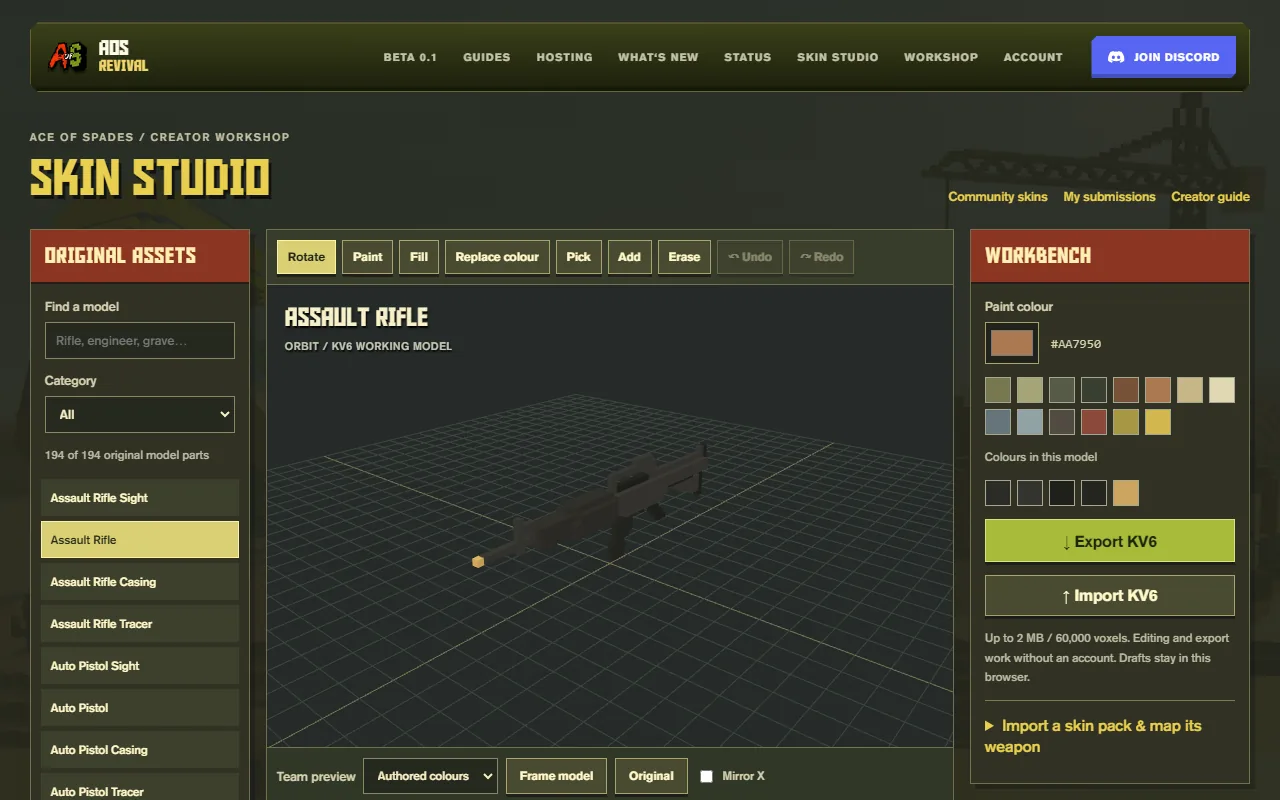
- 01Open the Skin Studio
Skin Studio runs in your browser. Start from one of the original weapon, character or tombstone models, or import a KV6 or skin pack.
- 02Paint and shape
Paint, fill, replace colours, add or erase voxels, mirror, and preview Blue and Green team colours. Drafts stay in your browser; no account needed to edit or export.
- 03Submit for review
Sign in with a registered account, name the skin, describe what you changed and choose a licence. Track it under My submissions.
The full creator handbook, including limits and the weapon package format, is on the skin creator guide.
Looking for maps?
The Workshop archive preserves Battle Builder maps and prefabs from the old Steam Workshop. It's a separate thing from skins.