Join a server, host a match and learn the modes
There are three ways to find a game and one way to host your own. This guide covers all four, then explains the game modes and classes you'll meet once you're in.
Server Browser
Main menu → Join Match → Server Browser.
- Use the source arrows to switch between All, Official, Community, Favourites, History (servers you played on), Friends (games your friends are hosting) and Local (your home network).
- On Official you can also pick a region: US West, US East, Europe or Australia.
- Show Full and Show Empty hide or show full and empty servers.
- Click a column heading to sort by name, players, map, mode or ping.
- Double-click a server, or select it and press Connect. Add Favourite saves it to your Favourites list.
- Refresh reloads the list.
Direct Connect
Join Match → Direct Connect lets you type an address a friend or server owner gave you.
| You type | Meaning |
|---|---|
203.0.113.7:27015 | A server's address and port. Always type the port if you were given one. |
play.example.com | A host name with no port uses the classic port 32887. |
aos://203.0.113.7:27015 | Classic Ace of Spades links work too. |
steam:<id> | A friend's Steam-hosted game (their loading screen shows this). |
local | A server on your own PC (127.0.0.1:32887). |
Press Add Favourite to save the address without joining.
Quick Play
Join Match → Random Match / Quick Play shows playlists for Random plus each game mode. Choose one and press Start: the game joins a matching server it already knows about, or searches for one.
Host your own match
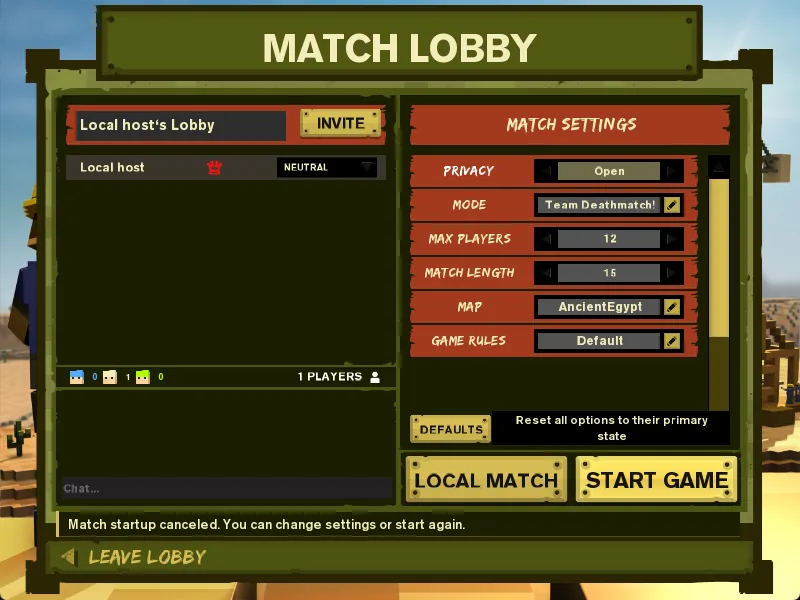
Create Match opens a Match Lobby: you're the owner, and you choose the rules.
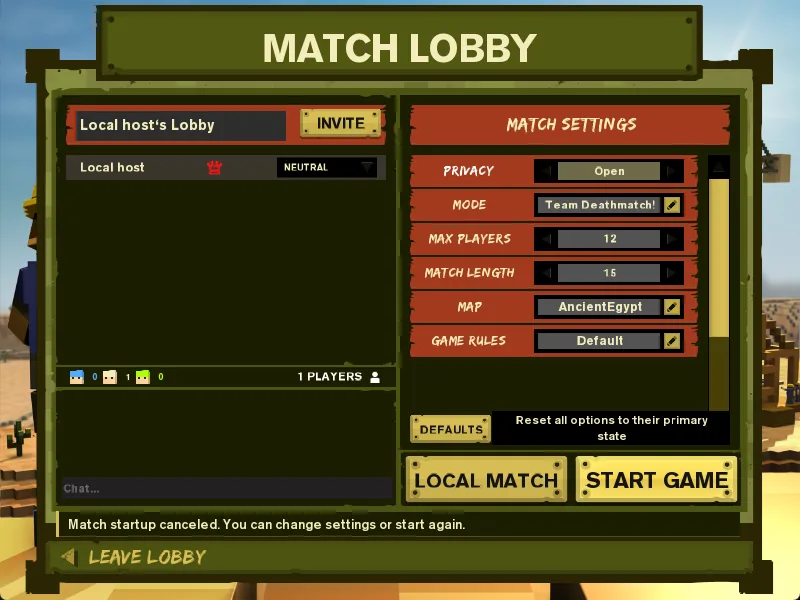
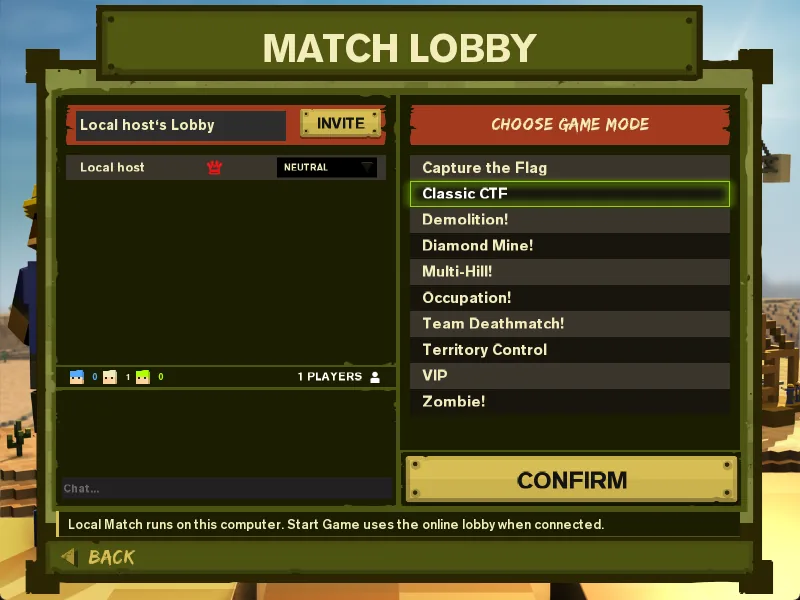
- Set the game mode, map, game rules, privacy (invite only, friends, or open), max players, match length, and bots (count and difficulty).
- Invite people with Invite Friends (see Friends & invites).
- START GAME hosts the match online through the AoSPlay relay, so friends can join without any router port forwarding.
- LOCAL MATCH starts a private server on your PC only: good for practising with bots offline. It allows one lobby member (you).
- Only the owner can change settings, move players between teams, kick or start. If the owner leaves, the longest-standing member becomes owner.
What happens when you join
- 01Loading
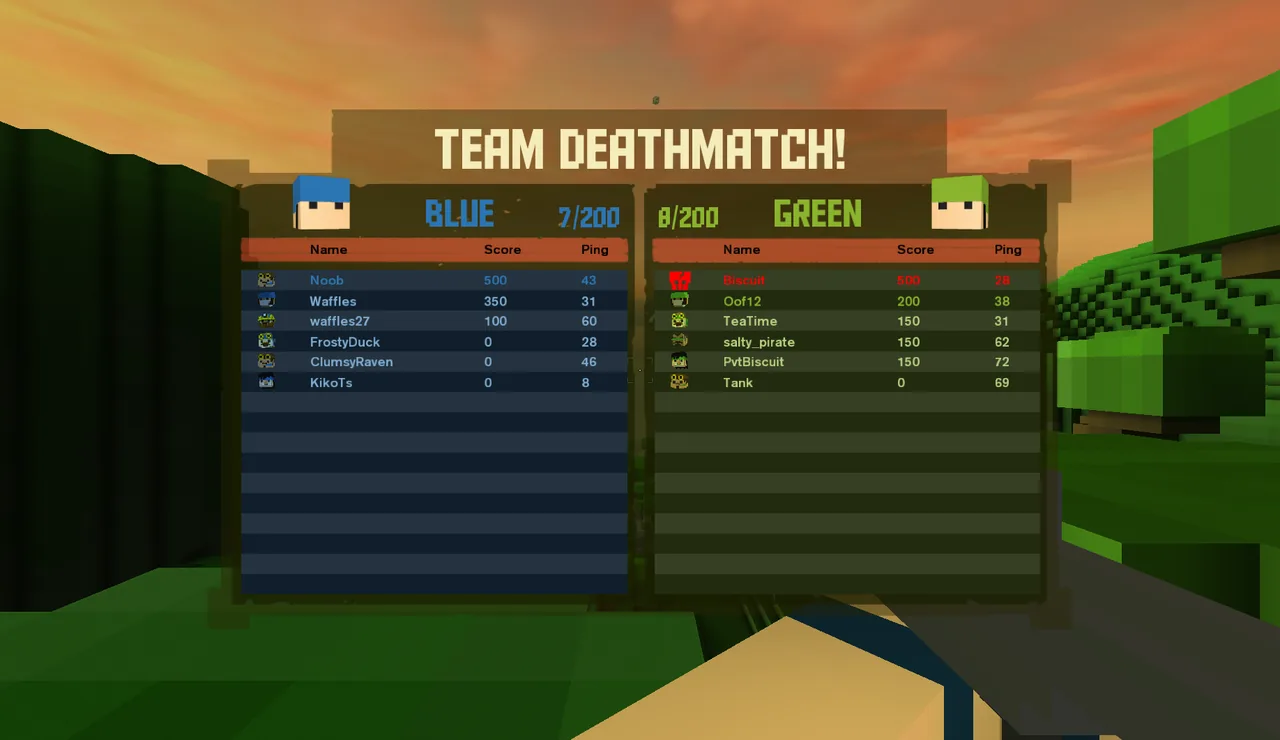
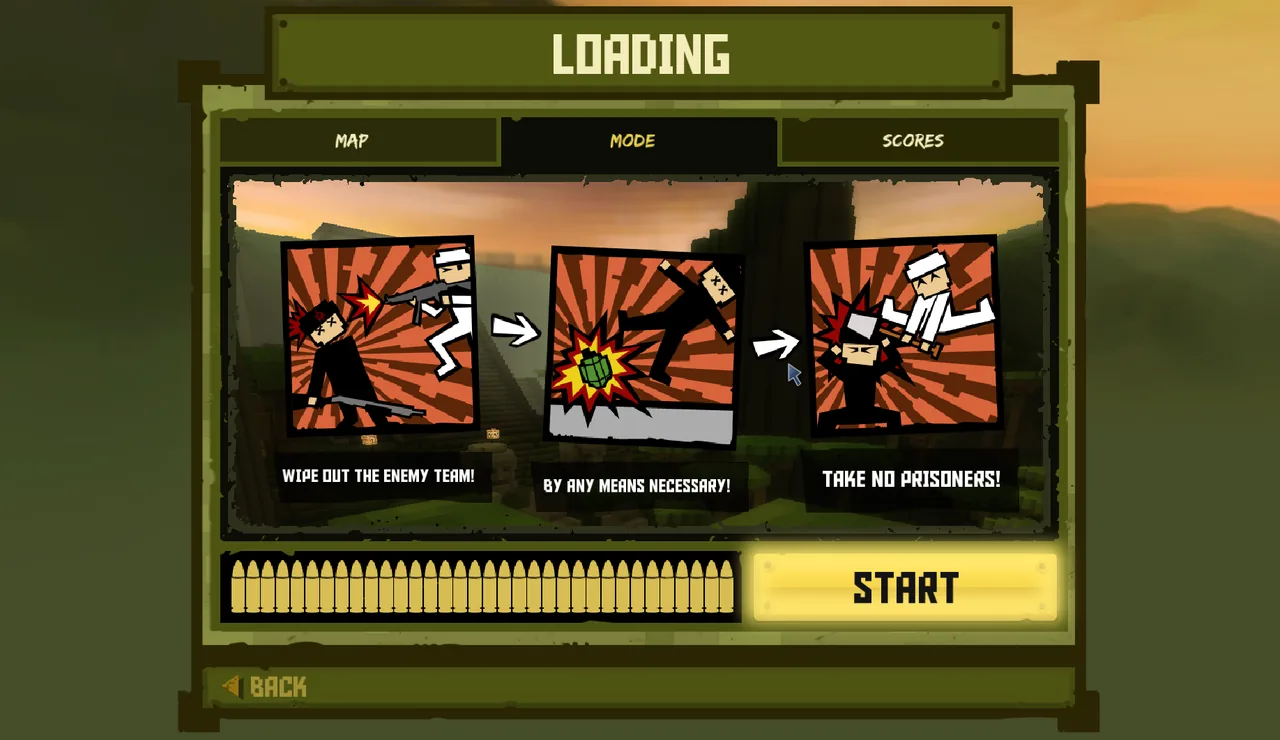
The loader connects, receives and checks the map. Read the MODE tab for the rules and SCORES for how points are awarded. Press START when the bar is full.
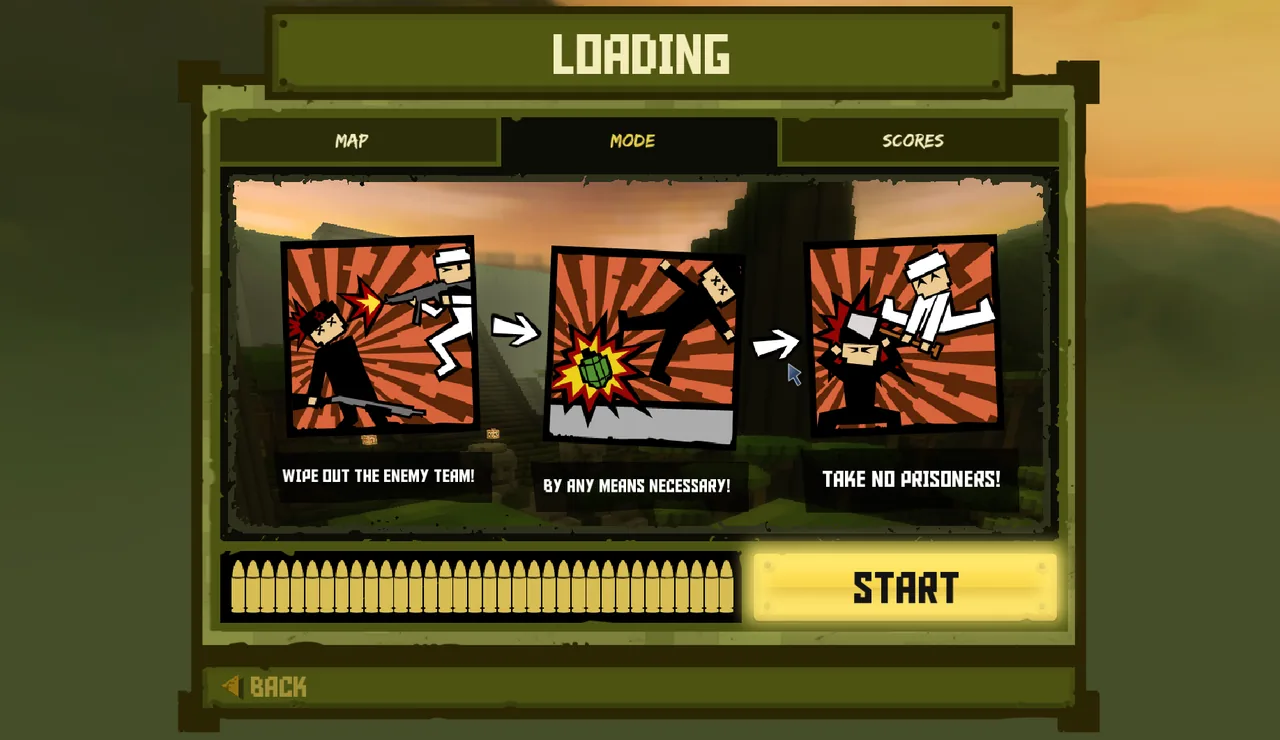
The MODE tab summarises the current game mode. - 02Choose a team
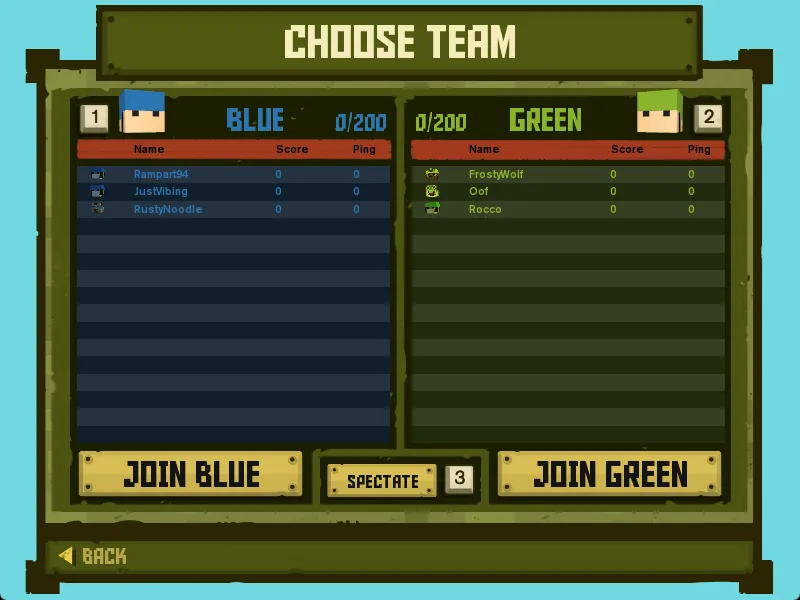
Most modes let you pick Blue or Green; some (like Zombie) assign you.
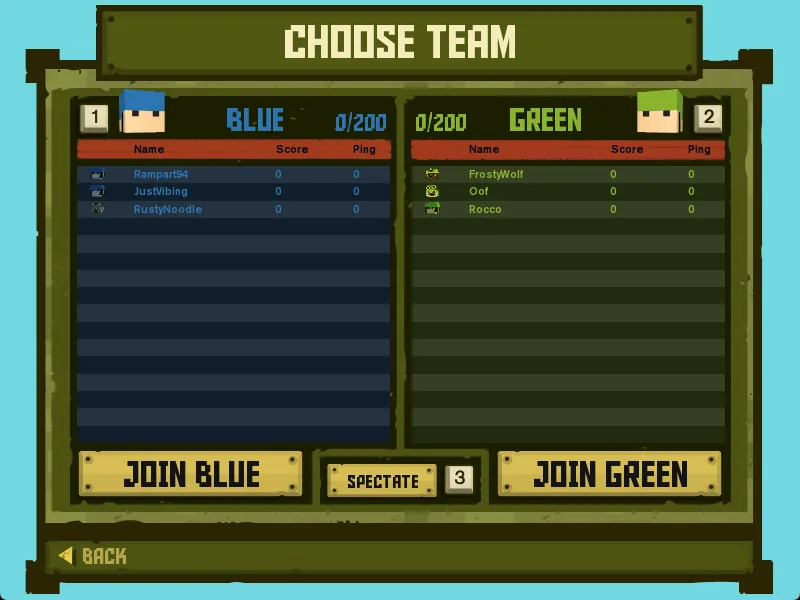
Pick a side with JOIN BLUE or JOIN GREEN, or watch with SPECTATE. - 03Choose a class and loadout
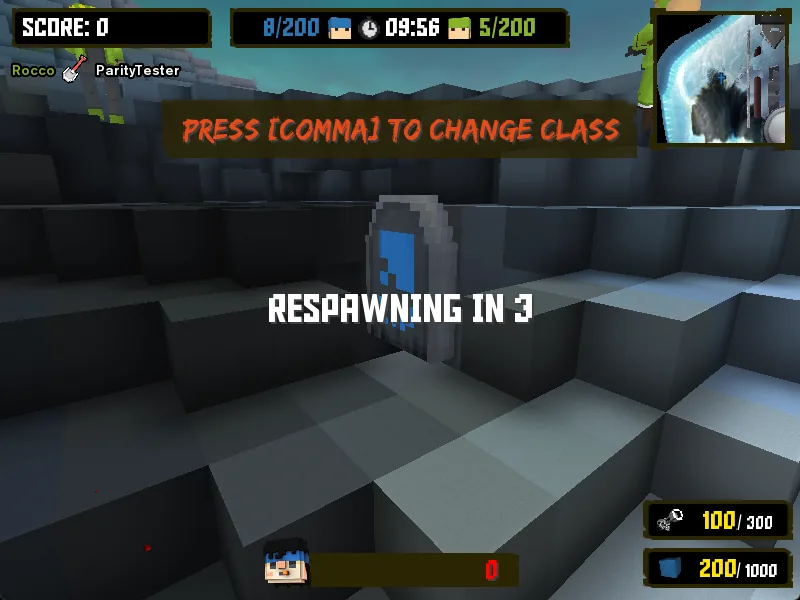
Scroll the class cards, pick melee, primary, secondary and equipment, then SELECT. The server decides which options each mode allows.
- 04End of round
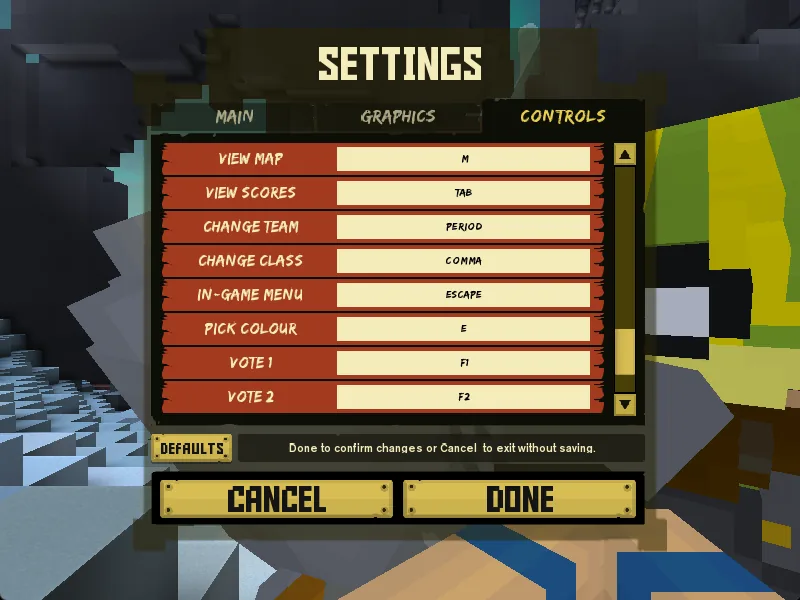
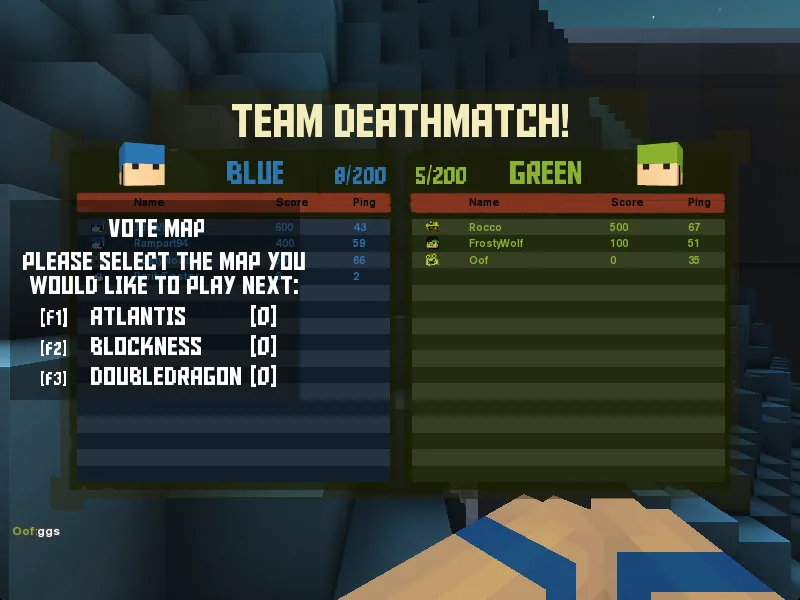
Awards are shown, then vote for the next map with F1–F3.
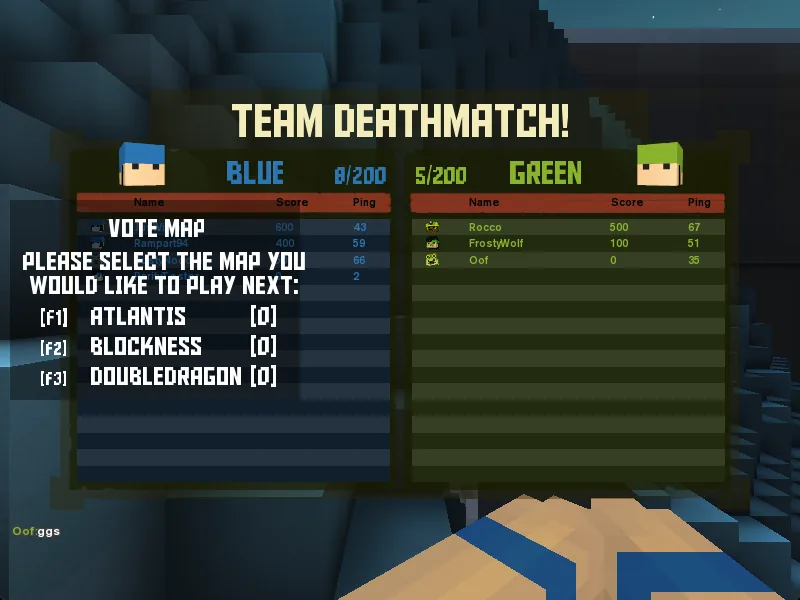
At the end of a round, vote for the next map with F1, F2 or F3.
Game modes
| Mode | Goal | Default length |
|---|---|---|
| Team Deathmatch | Work together to eliminate the enemy team. | 15 min |
| Capture the Flag | Grab the enemy intel and bring it back to your base. | 30 min |
| Classic CTF | Old-school CTF on classic maps: everyone plays the classic soldier, you can shoot while carrying the intel and it doesn't return on its own. | 90 min |
| Demolition | Destroy the enemy base before they destroy yours. | 15 min |
| Diamond Mine | Dig for diamonds and cash them in at drop-off points. | 15 min |
| Multi-Hill | Hold the hill points as they move around. Watch out for airstrikes. | 25 min |
| Occupation | Green holds the base; Blue has to bomb it. | 15 min |
| Territory Control | Capture territories. More teammates on a point capture it faster. | 25 min |
| VIP | Protect your VIP while hunting the other team's. | 15 min |
| Zombie | Zombies spread the virus; survivors try to stay alive. | 10 min |
Server owners can change the lengths and rules, so check the loading screen's MODE tab when you join. Some BattleSpades servers also run Arena, an extra round-based elimination mode: no respawns during a round, and the last team standing wins it.
Classes at a glance
| Class | Play style |
|---|---|
| Commando | Heavy weapons and staying power. |
| Marksman | Fast and accurate at range, but fragile. |
| Rocketeer | Jetpack and explosives. |
| Miner | Tunnels under the enemy. |
| Engineer | Lots of blocks and a jetpack: builds the fortifications. |
| Specialist | Close-quarters fighter. |
| Medic | Shield and healing for the team. |
Some modes add their own classes: Zombie has zombie variants, the Mafia modes (Territory Control and VIP) use gangsters, and Classic CTF gives everyone the classic soldier.
Common questions
Why can't I see any servers?+
Switch the source to All and turn on Show Empty, then press Refresh. If the list stays empty, the AoSPlay server list may be unreachable; you can still use Direct Connect. See Troubleshooting.
Do I need to open ports to host?+
No. START GAME in the Match Lobby uses the AoSPlay relay, and Steam friends can join through Steam's relay network. Only people running a public dedicated server need to open a UDP port.
Can I play against bots?+
Yes. Set a bot count and difficulty in the Match Lobby, then use LOCAL MATCH for offline practice or START GAME to play with friends and bots together.