How to play Ace of Spades in 2026
Ace of Spades: Battle Builder, the voxel shooter where you dig, build and blow up the map mid-fight, is playable online again. The community revival rebuilt the servers, the online services and a new client. This page is the short route from "is it still alive?" to your first match.
Can you still play Ace of Spades?
Yes. Beta 0.1 of the community revival came out on 21 September 2026. It has three parts: the BattleSpades dedicated server, a new revival client for Windows, and the AoSPlay online services (accounts, the server list, lobbies, friends and leaderboards) that connect them.
- Official servers run in Europe and the USA around the clock. Bots fill empty slots and step aside when players join.
- The original game works too. The unmodified Steam game and the old non-Steam client both join BattleSpades servers, next to players on the new client.
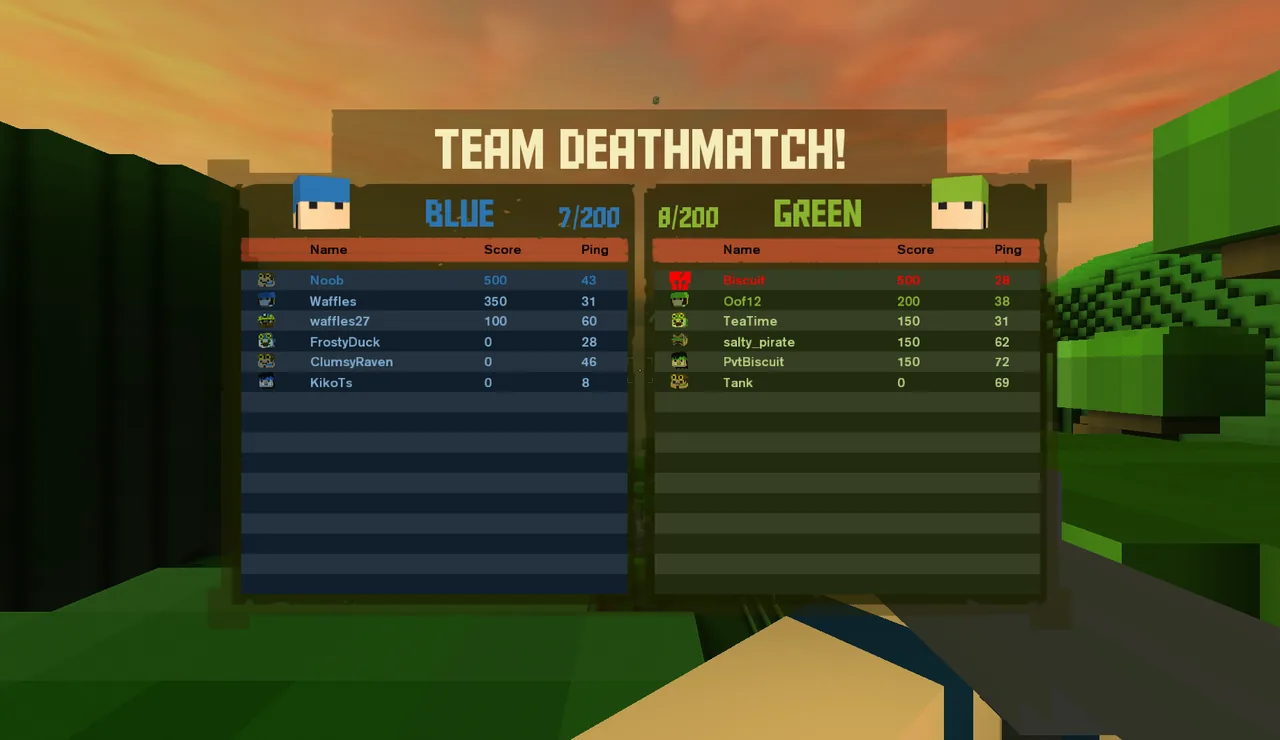
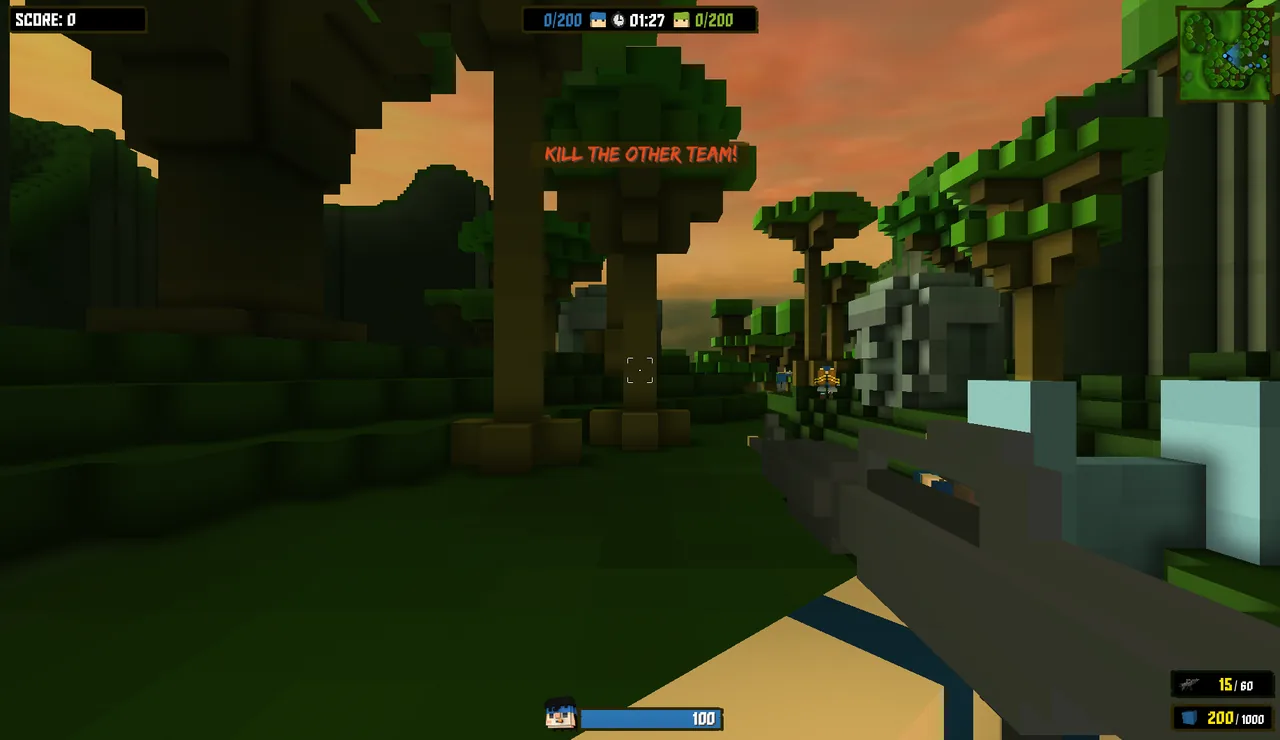
- All ten retail modes are in: Team Deathmatch, Capture the Flag, Classic CTF, Zombie, VIP, Multi-Hill, Territory Control, Diamond Mine, Demolition and Occupation. See game modes.
- It is a community project. Ace of Spades Revival is independent and not affiliated with the original publisher.
What you need
| You need | Why |
|---|---|
| A Windows 10 or 11 PC (64-bit) | The Beta 0.1 client is a portable Windows x64 build. Linux and macOS client builds are on the roadmap. |
| Your own copy of Ace of Spades: Battle Builder | The new client never ships the original art, sound or maps. On first launch it imports them from your Steam install or any folder with a Windows copy of the game. |
| An AoSPlay account (optional) | Register in the game to keep your level, friends and cosmetics, sign in through Steam, or just play as a guest. |
Get into a match in five steps
- 01Get the Beta 0.1 client
The download page explains what to download and what stays on your PC. The Beta 0.1 page lists the current version and known issues.
- 02Extract it and run it
Extract the ZIP to a normal folder, open
binand startBattleSpadesClient.exe. Full walkthrough: Getting started. - 03Import your game files
On first launch the asset installer finds your Steam copy of Ace of Spades, or asks for the folder. You only do this once.
- 04Sign in
Register an AoSPlay account, sign in through Steam, or press PLAY AS GUEST.
- 05Join a server
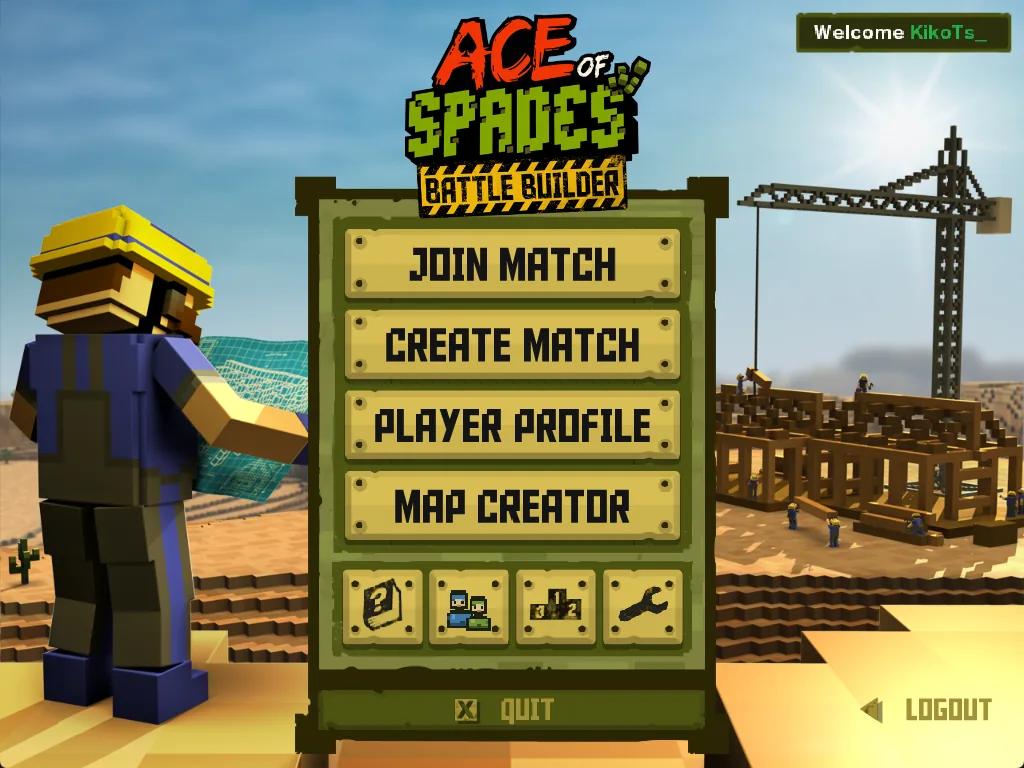
Join Match → Quick Play picks a server for you, or open the Server Browser. The server list explains official and community servers.
Learn the game
Host, build and follow the revival
- Want your own server? The hosting quick start and the server hosting guides cover the free, open-source BattleSpades server.
- Classic 0.75 player? See Battle Builder vs OpenSpades and BetterSpades for how the two games differ.
- Follow changes on What's new and the row-by-row implementation status.
- Bug reports, match calls and help happen in the community Discord (opens in a new tab).
Common questions
Is Ace of Spades still playable in 2026?+
Yes. The community revival released Beta 0.1 on 21 September 2026 with official servers in Europe and the USA, a new Windows client and online accounts. The original Steam game can join the same servers.
Is it free?+
The revival client, the BattleSpades server and the online services are free community projects. You need your own copy of Ace of Spades: Battle Builder, because the client imports the original game files from it.
Can I play against bots?+
Yes. Official servers fill empty slots with bots, and Create Match in the client lets you set a bot count and difficulty for a local or online match.
Is this the classic 0.75 Ace of Spades?+
No. The revival targets the later Battle Builder 1.x game (classes, modes, Map Creator). The free classic 0.75 game is played with OpenSpades or BetterSpades; see the comparison.