Ace of Spades servers: live list and how to join
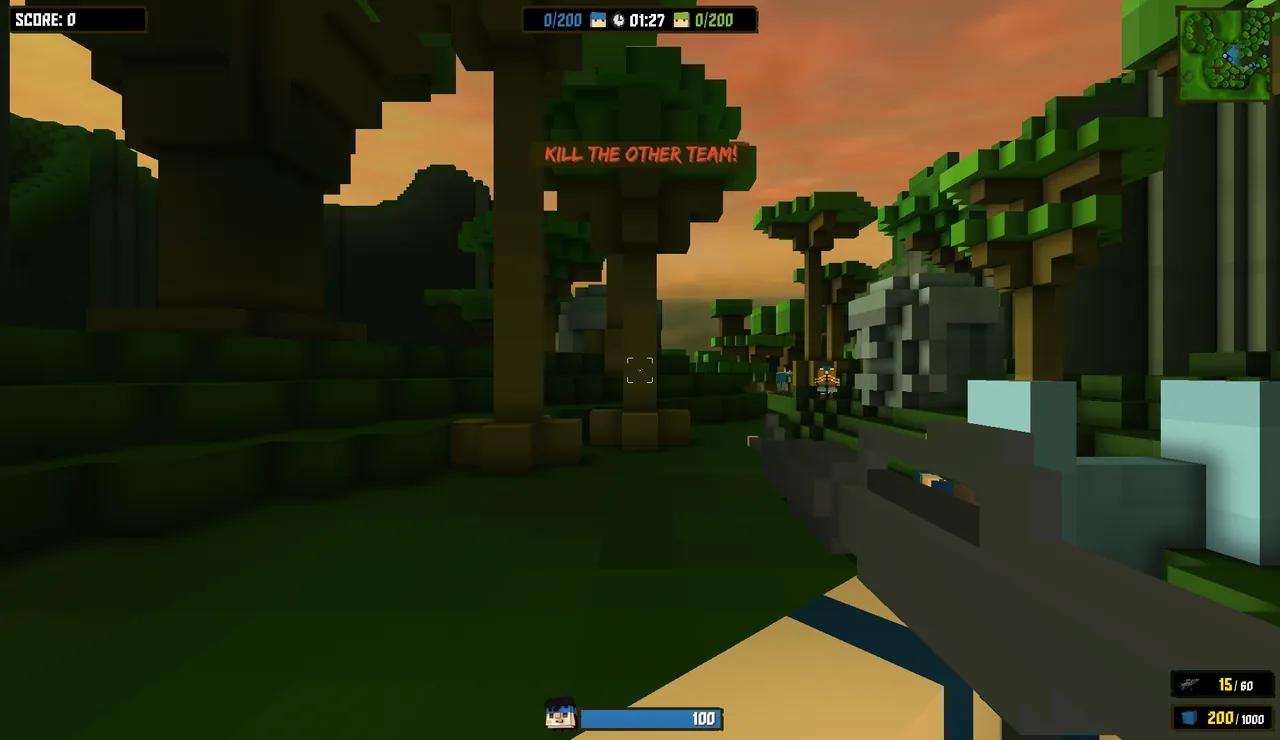
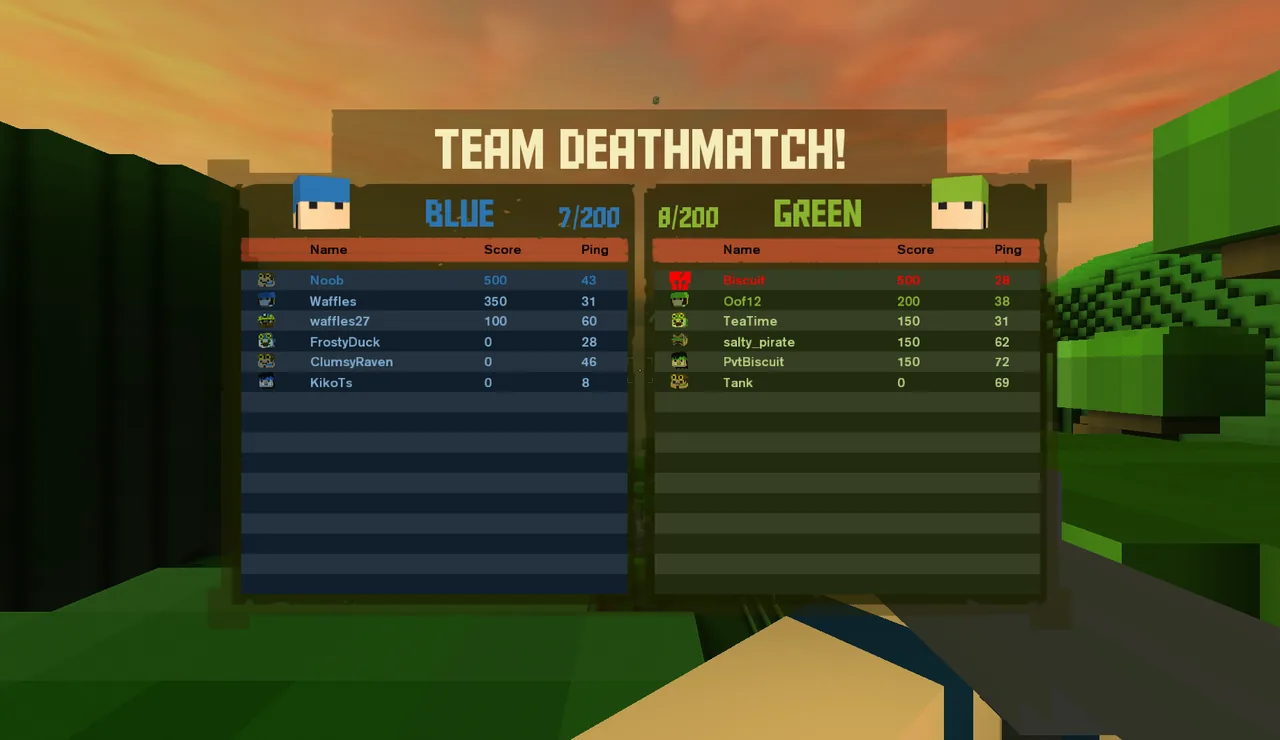
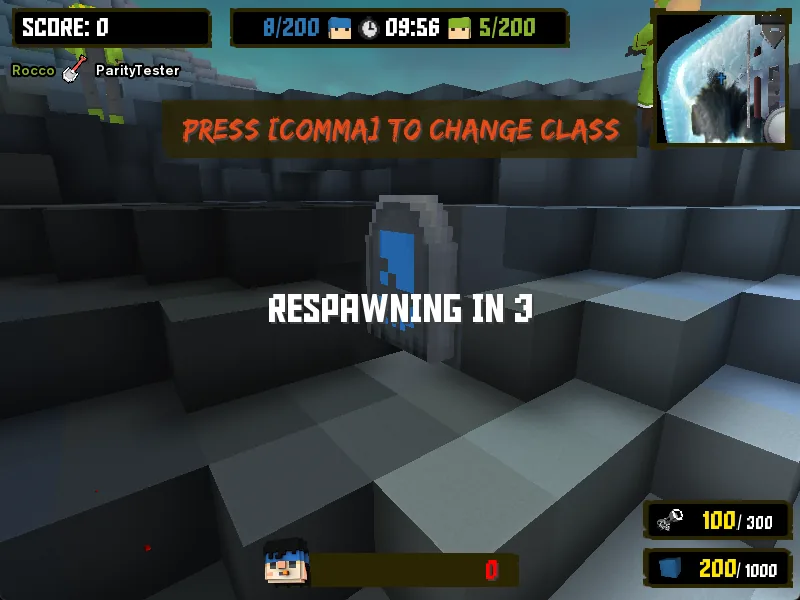
Every Ace of Spades: Battle Builder server you can join today runs BattleSpades, the community-built dedicated server. The list below comes straight from the AoSPlay master server, the same list the in-game Server Browser shows.
Servers online right now
Refreshed from the master server every time you open this page. Player counts include bots.
Loading the live server list…
Official servers
The revival runs official BattleSpades servers in Europe and the USA. The Beta 0.1 fleet covers Team Deathmatch, Capture the Flag, Zombie, Diamond Mine, Territory Control and VIP, with regional copies of the busiest modes. Bots keep empty servers playable and leave as people join.
- In the new client: Join Match → Server Browser, set the source to Official and pick a region, or use Quick Play. See Joining a match.
- Official servers are also being listed in the original game's Steam server browser; see Ace of Spades on Steam.
- Mode rules and match lengths follow the retail defaults; check the loading screen's MODE tab when you join.
Community servers and private matches
- Community servers are BattleSpades servers run by players. Verified ones appear in the public list under Community after the master server checks that they answer queries from their real address.
- Create Match in the client hosts a match through the AoSPlay relay, so friends can join without opening router ports. Local Match is offline practice with bots.
- Direct Connect joins any server by address, including a friend's Steam-hosted game (
steam:<id>).
Host your own Ace of Spades server
BattleSpades is free and open source. Portable builds run on Windows, Linux and macOS (x86-64 and ARM64) with every mode, bots, admin commands and map rotation.
- 01Download a portable archive
Get the archive for your system from the BattleSpades releases page (opens in a new tab) and check it against
SHA256SUMS.txt. - 02Check and start it
Run it once with
--check, then start it. The getting started guide walks through it. - 03Open the port and get listed
Open UDP 27015 and register the server so it appears in the browser. See network and listing.
Then pick modes and a map rotation, add bots and set up moderation. The hosting quick start is the short version.
Common questions
Are there still Ace of Spades servers?+
Yes. The revival's official BattleSpades servers run in Europe and the USA, and players host community servers. They all show up in the live list above and in the in-game Server Browser.
Can the original Steam game join these servers?+
Yes. BattleSpades speaks the Battle Builder protocol (168), so the unmodified Steam game and the non-Steam client can join, next to players on the new client.
Why is the server list empty?+
Nothing may be reporting at that moment, or the master server is unreachable. In the client, switch the source to All, turn on Show Empty and refresh; Direct Connect always works. See Troubleshooting.
Can I run a server for classic Ace of Spades 0.75?+
BattleSpades is for Battle Builder 1.x only. Classic 0.75 servers use different software such as piqueserver; see the comparison.